Lookout Station
ReleasedAn always-on dashboard for the Mac and iPad: weather, calendar, scores, launches and your home lab, arranged on one screen.
About the app
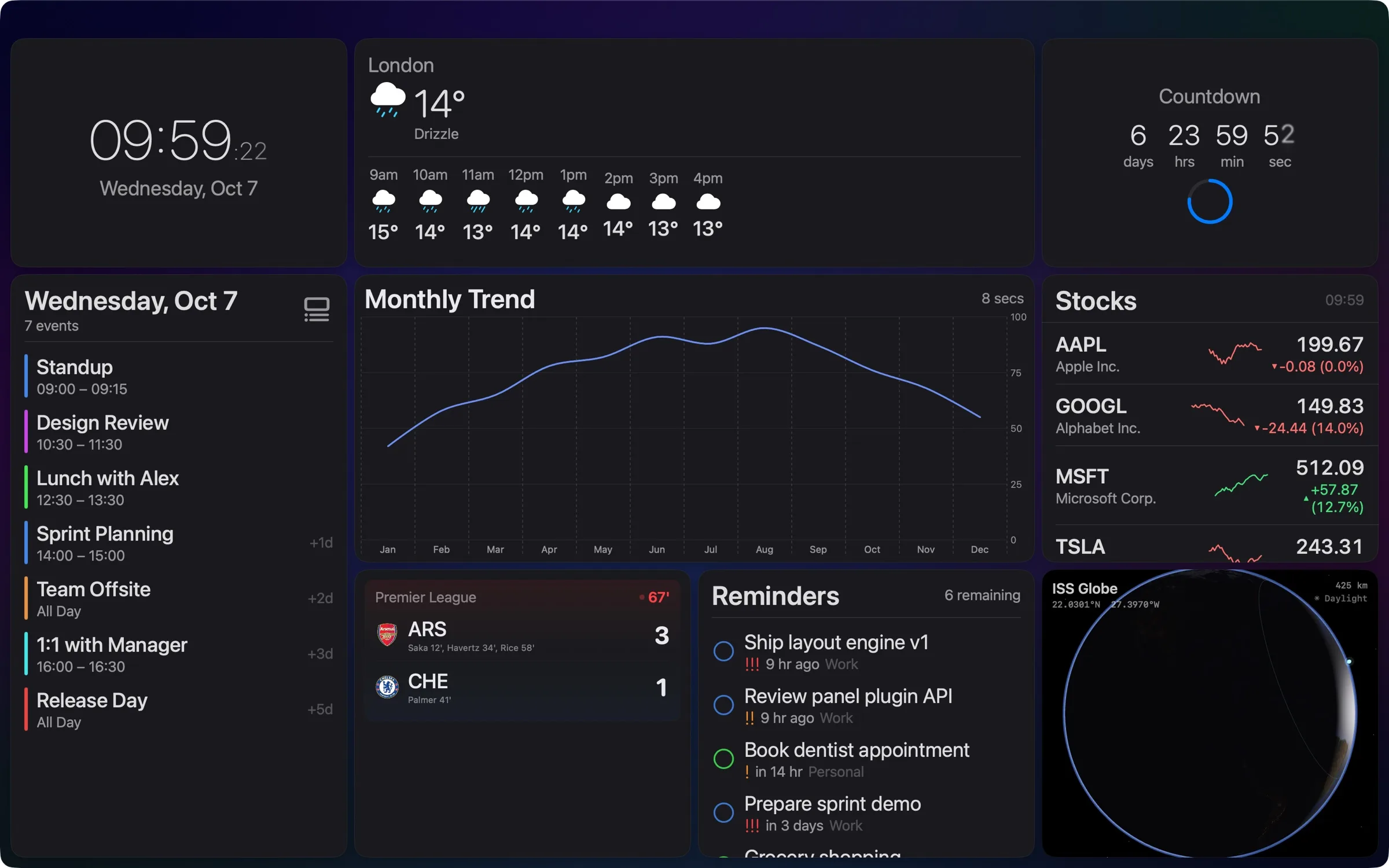
Lookout Station turns a Mac or an iPad into an always-on information display. Panic's Status Board did that beautifully until it was retired in 2016, and nothing quite took its place; Lookout is our go at a spiritual successor.
There are more than 130 panel types, from the everyday (clock, weather, calendar, reminders, RSS) to the specific: live scores and Formula 1, flight radar, rocket launches, stock watchlists, App Store Connect sales and your home lab's services. Press E and lay them out on a 24-column grid: drag one onto another to swap them, pull a corner to resize, and undo anything with ⌘Z. Nothing to configure in a text file.
It's a native app, not a web page in a window. On the Mac each dashboard opens in its own window, so one can sit full screen on a second display while another stays on your desk, and every action is in the command palette.
Built to stay on
Kiosk mode fills the screen, keeps it awake and can move through the pages on a timer. Fleet Commander runs several screens from one: put your other Macs and iPads in Station Mode, give each a dashboard, and go live together.
Themes
Over 65 of them: wireframes, paper and glass, the editor palettes you already know (Nord, Dracula, Catppuccin, Solarized, Tokyo Night) and experience themes with GPU-drawn CRT, holographic and VHS effects. Theme Studio, on the Mac, duplicates any of them for you to change colour by colour.
No ads and no tracking: your dashboards stay on your devices, and sync through your own iCloud.
Screenshots
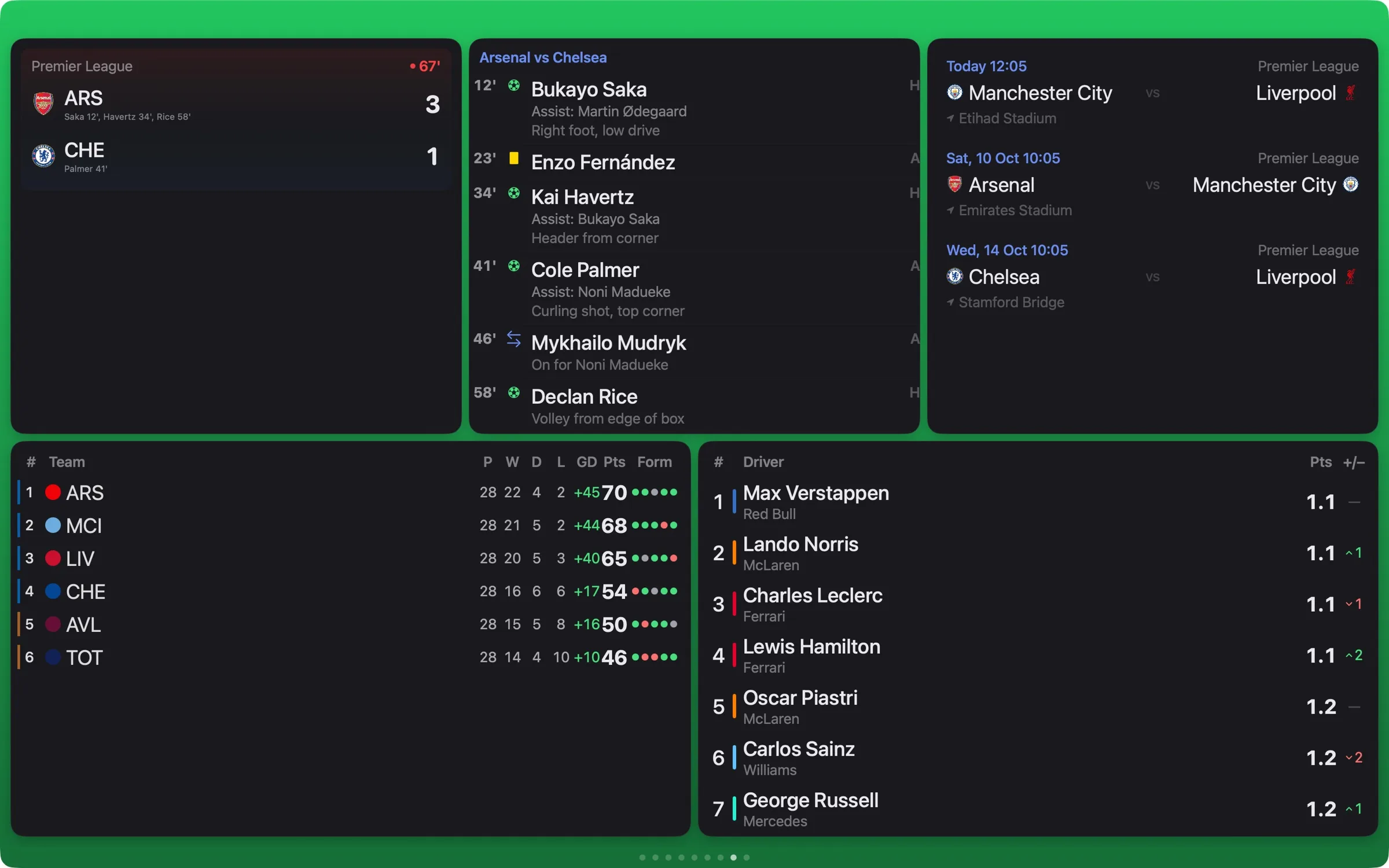
Scores, timelines, tables and Formula 1 on one page. 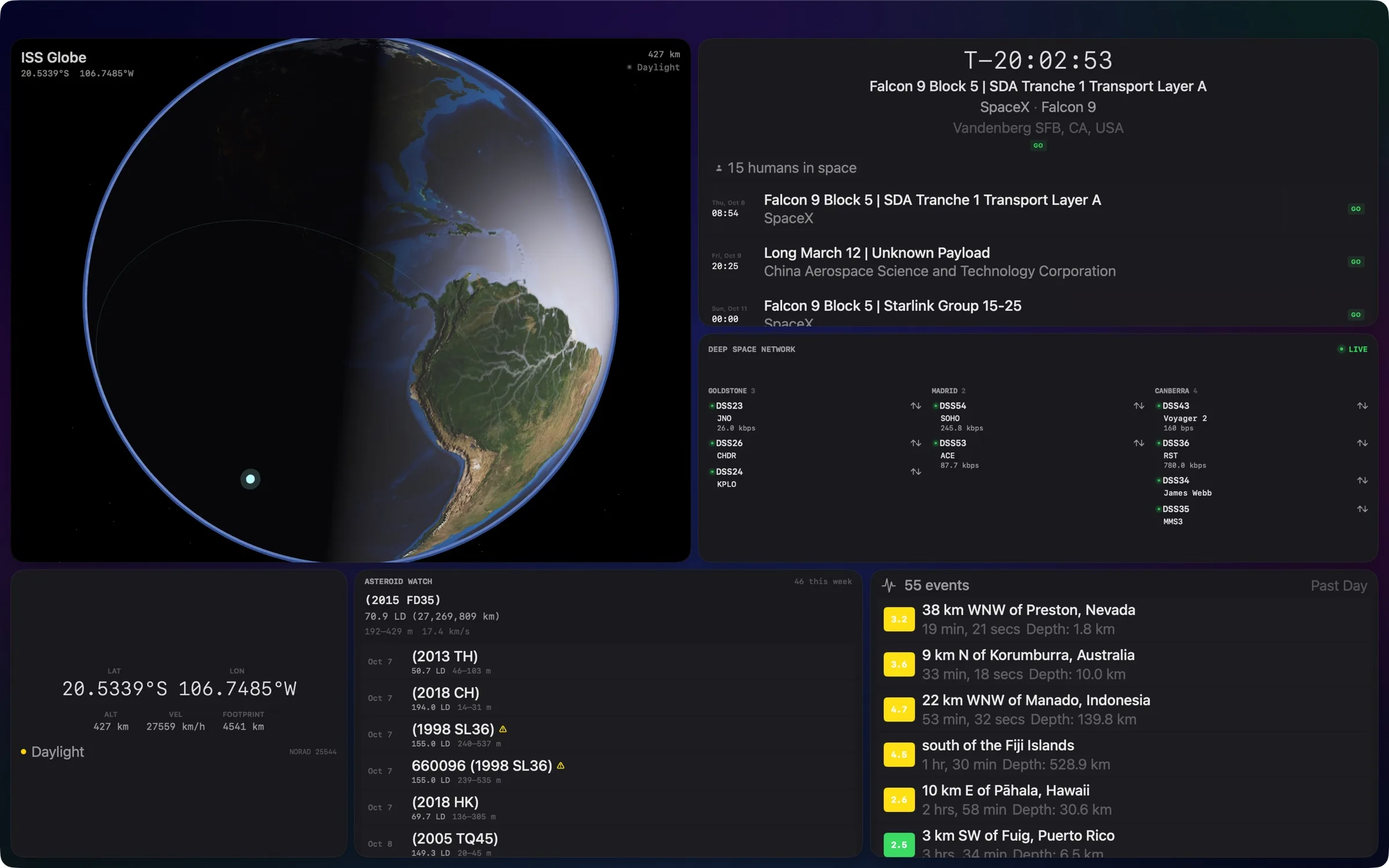
The ISS, launches, the Deep Space Network and the week's asteroids. 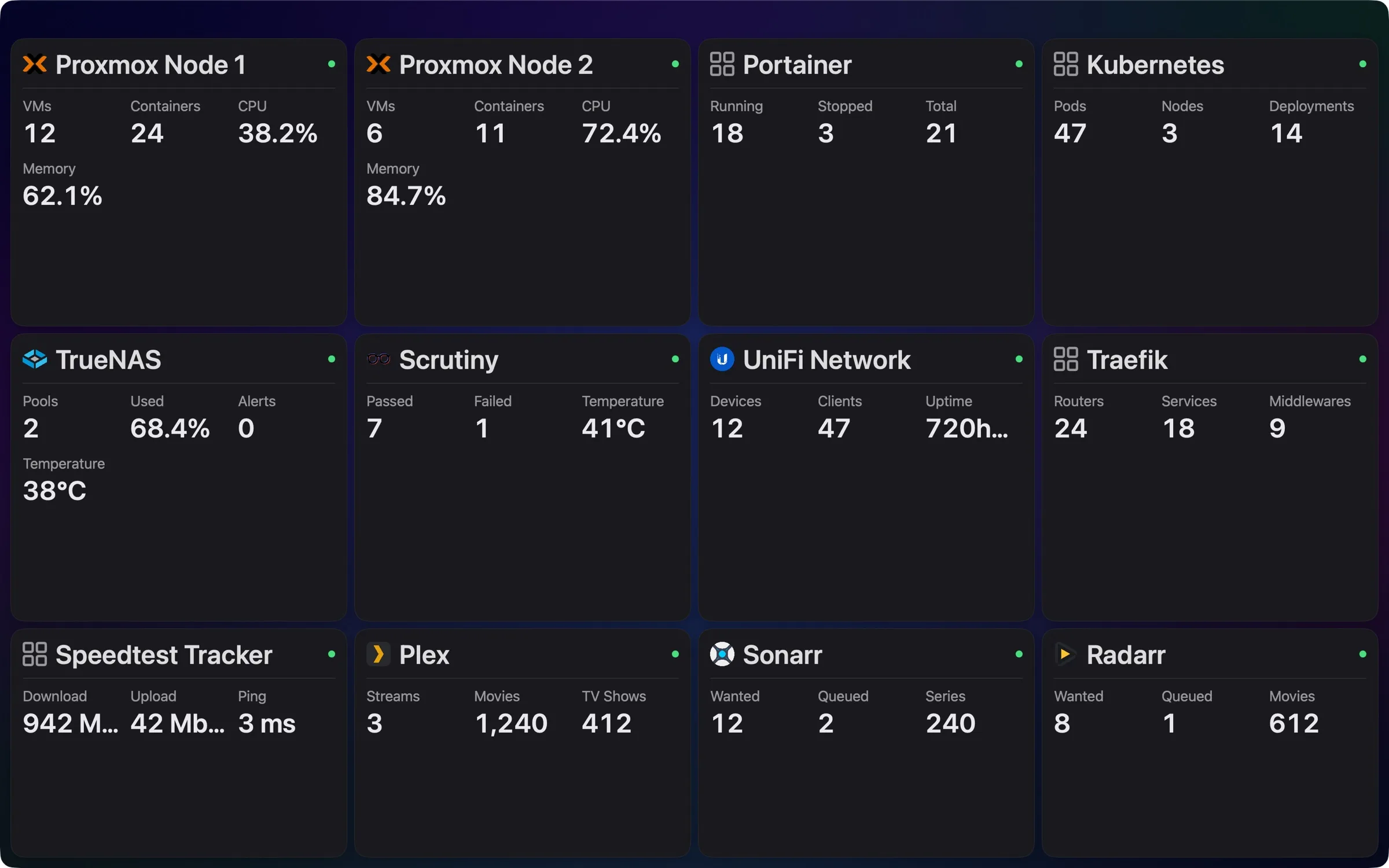
Imported from a Homepage services.yaml, with every card filled in. 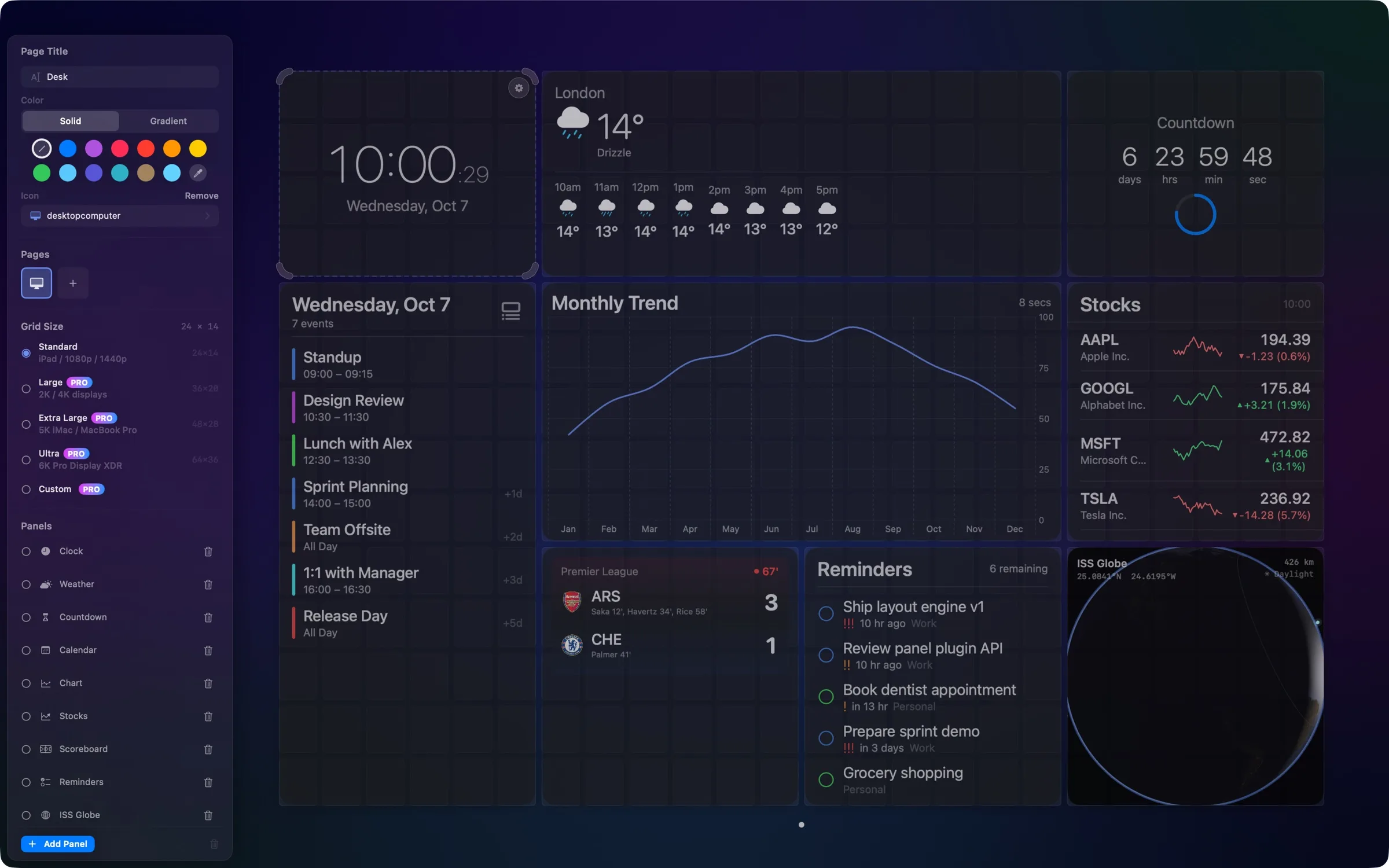
Press E to edit: drag panels, resize them, and set the page's colour and grid. 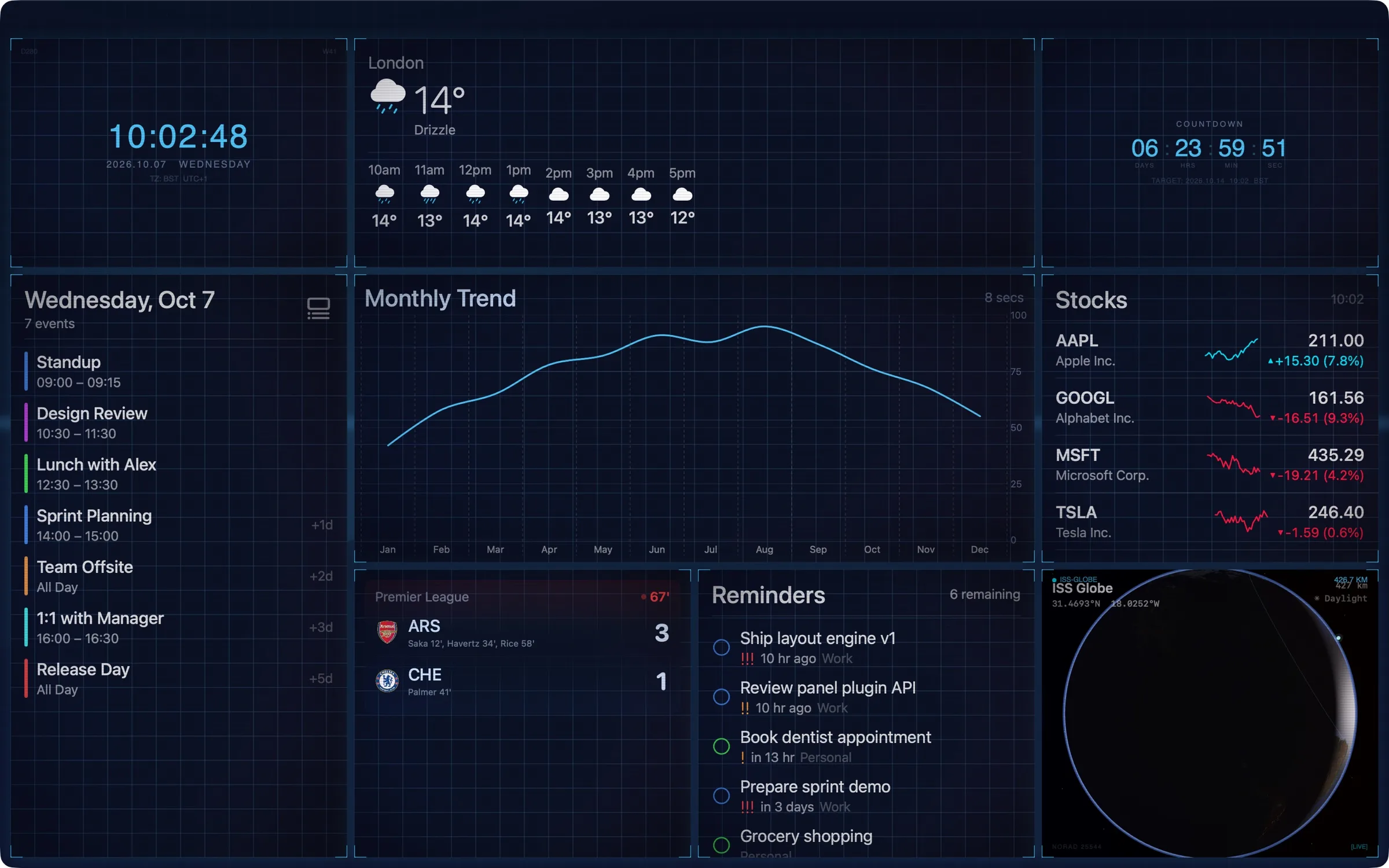
Command Center, one of the experience themes. 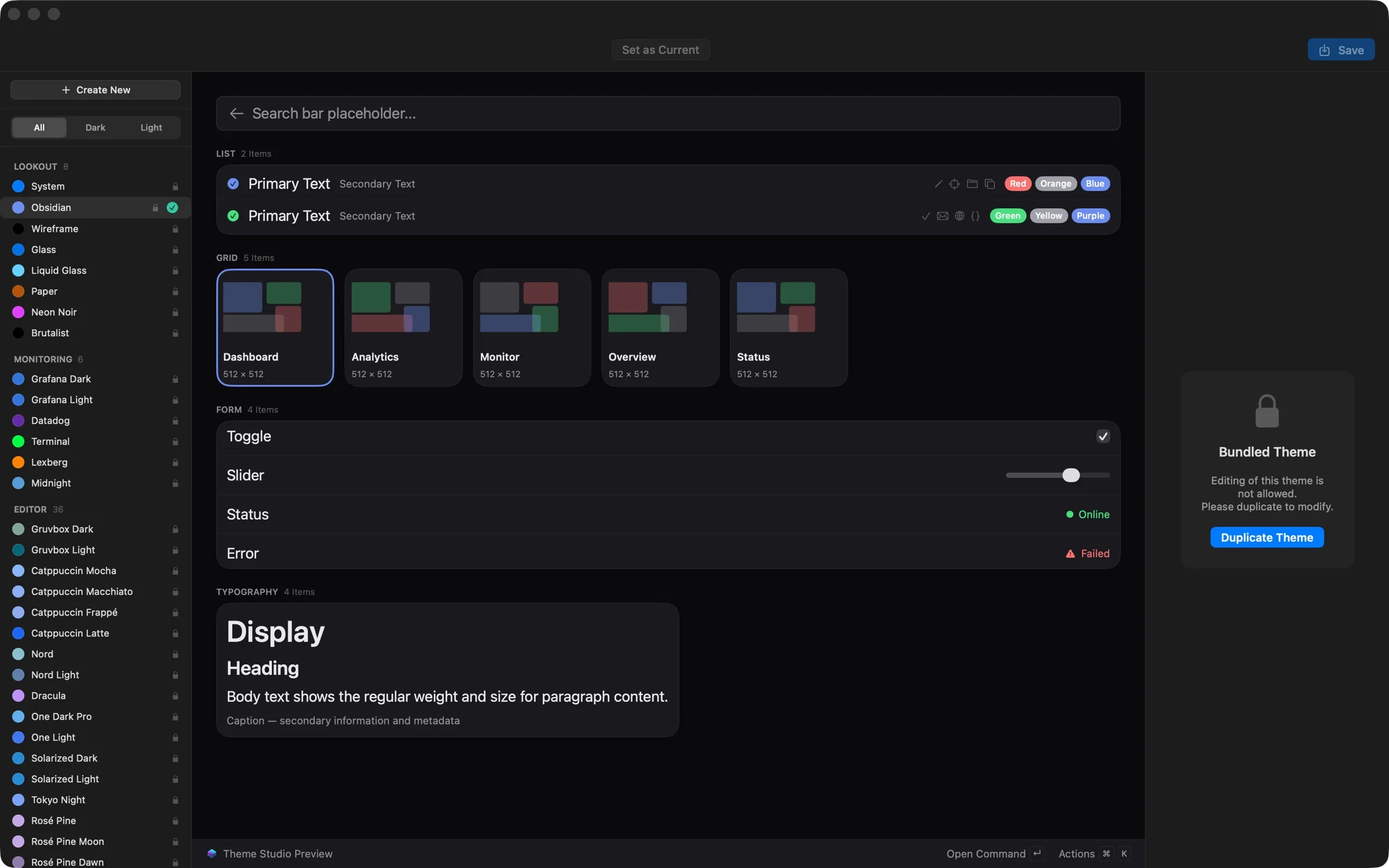
Theme Studio: duplicate any theme and make it yours.