haunt
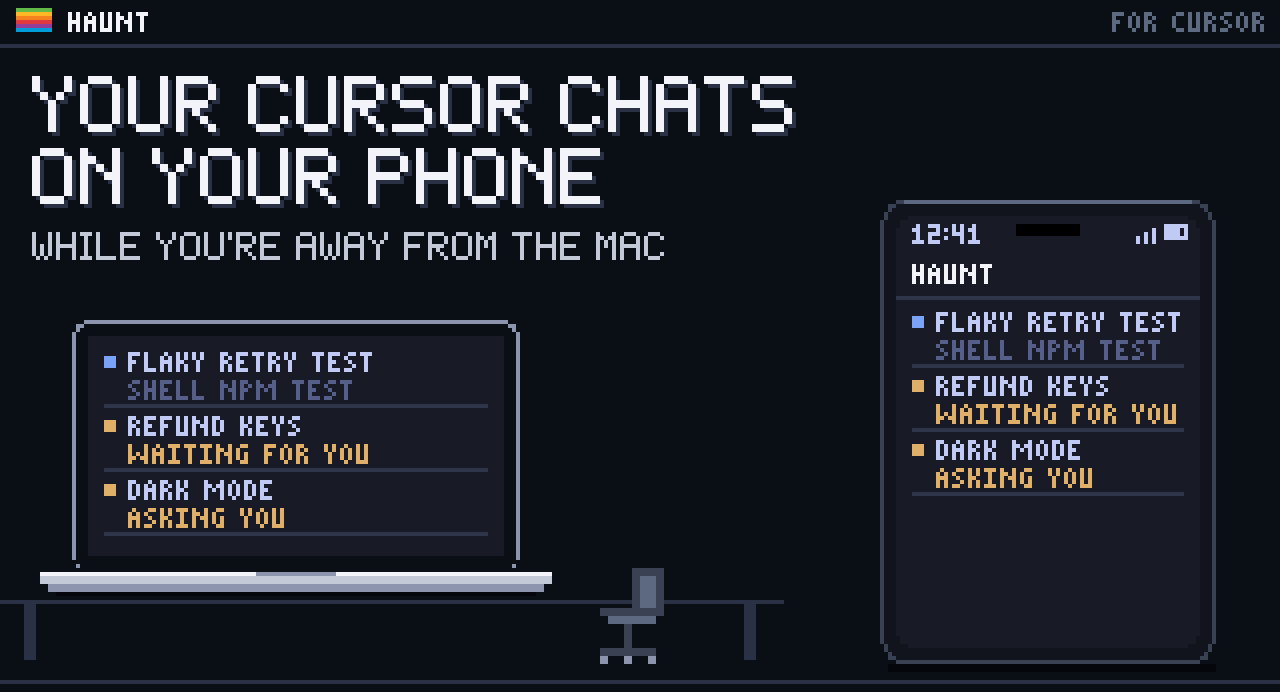
ActivePuts your Cursor chats on your phone while you're away from the Mac: watch the agent work, get an alert when it finishes or asks you something, and reply.
About the tool
haunt is for leaving the desk while an agent works in Cursor, the AI code editor. If the agent has a question while you're out, it asks you on the phone and carries on once you've answered. You can stop it from there too, but you can't yet approve a command it asks to run.
A small daemon on the Mac follows each chat through Cursor's hooks, which report what the agent does, and reads the chats Cursor already keeps. Your phone opens its web app over Tailscale, a private network between your own devices. haunt adds no server of its own and keeps no copy of a chat anywhere else, so it works with Cursor's privacy mode on, which stops Cursor storing your code. Alerts come through the phone's push service, encrypted so only the phone can read them.
Every chat Cursor has is already on the phone, with its subagents and history, even ones from before you installed haunt. You can start chats from the phone too, in the Cursor CLI on the Mac, though Cursor's own list won't show them. You can also open the plans, PDFs and Markdown a chat made, and its canvases, the live pages Cursor shows beside a chat.
Switch to Away on the phone, or leave the Mac idle for 10 minutes, and haunt goes into away mode: finished chats wait for your reply, alerts go to the phone, and the idle Mac stays awake with Tailscale connected until you're back. You pick its app icon from 29 pixel-art creatures drawn for badcoffee.